

Practice owner
Know who can see what, and what the practice earned.
Access, audit and money without an IT department.
Join the waiting list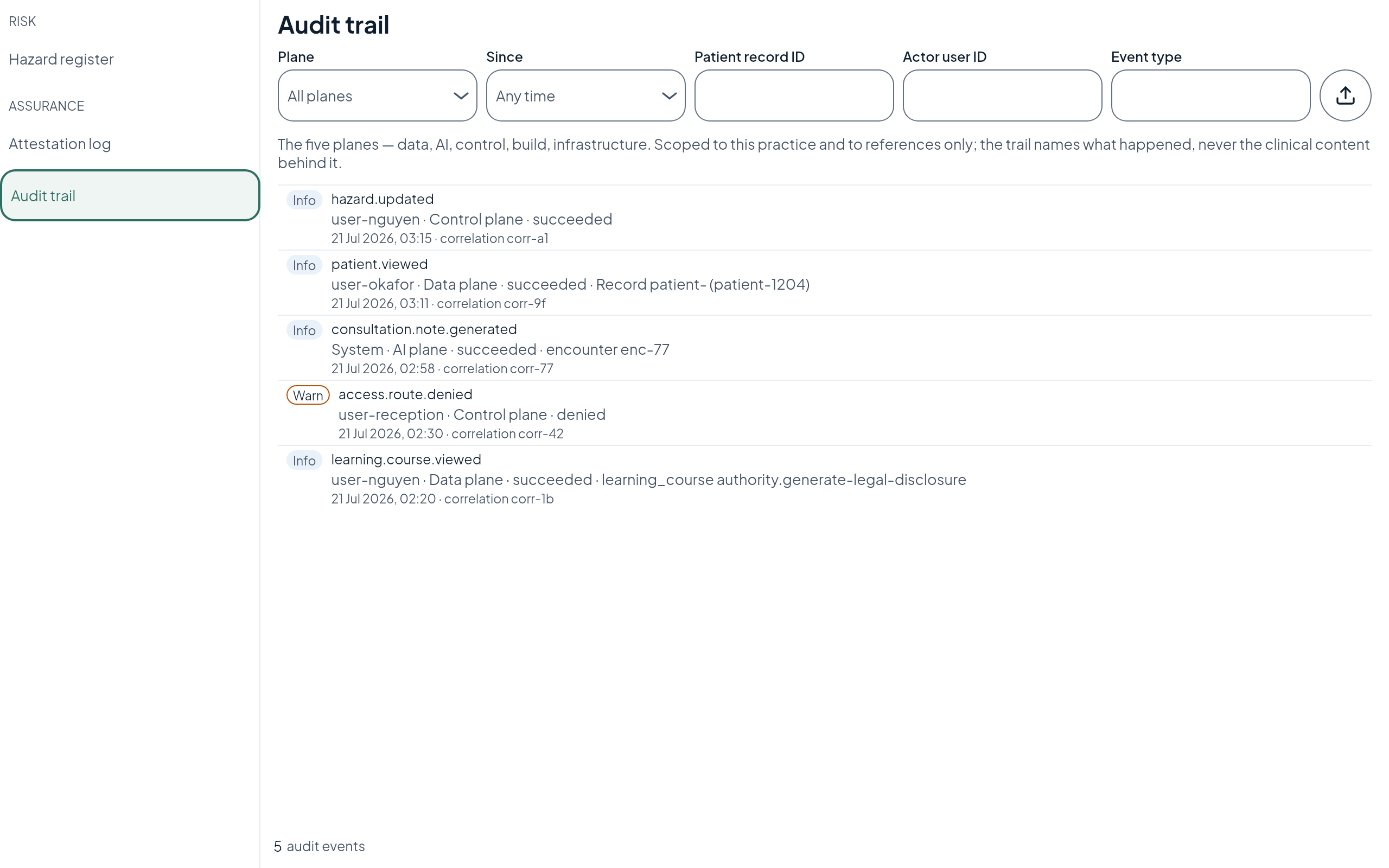
What changes for you
Invite staff with one role each.
Access matches the job, and you can require MFA for everyone.
Read the audit trail.
Who opened what, and when, recorded by reference, never the clinical content.
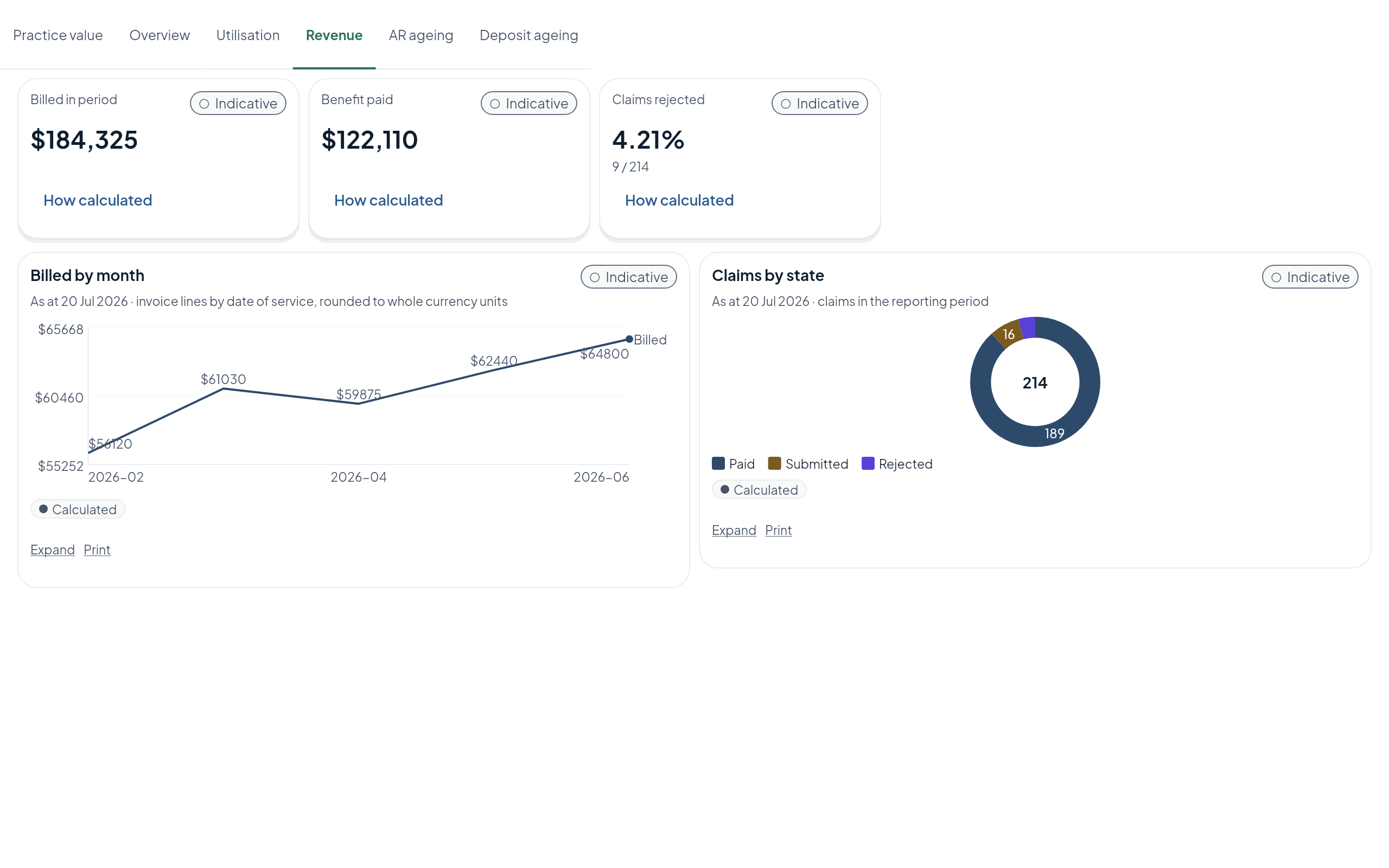
Revenue and debtor ageing from the ledger.
Not from a spreadsheet someone rebuilt on Friday.
Bring your practice data across.
With a reconciliation you can check before you rely on it.
Questions
Common questions.
How do I control who can see patient records in my practice?
In Echo One each staff member is invited with one role, so access matches the job, and you can require multi-factor authentication for everyone. The audit trail records who opened what and when, by reference, never the clinical content.
Can we move our data from our current practice management system?
Data comes across from the practice management systems most Australian general practices run today, with a reconciliation you can check before you rely on it. Specialist and allied health systems are coming soon.
How does Echo One report practice revenue?
Revenue and debtor ageing come from the ledger, not a rebuilt spreadsheet, and each figure is marked indicative or audited.
Echo One is on a waiting list
See it in your practice first.
Join for early access, or apply to be a design partner.